Cisco Workspace Advisor
My role
Led product design, from discovery to launch
Challenge
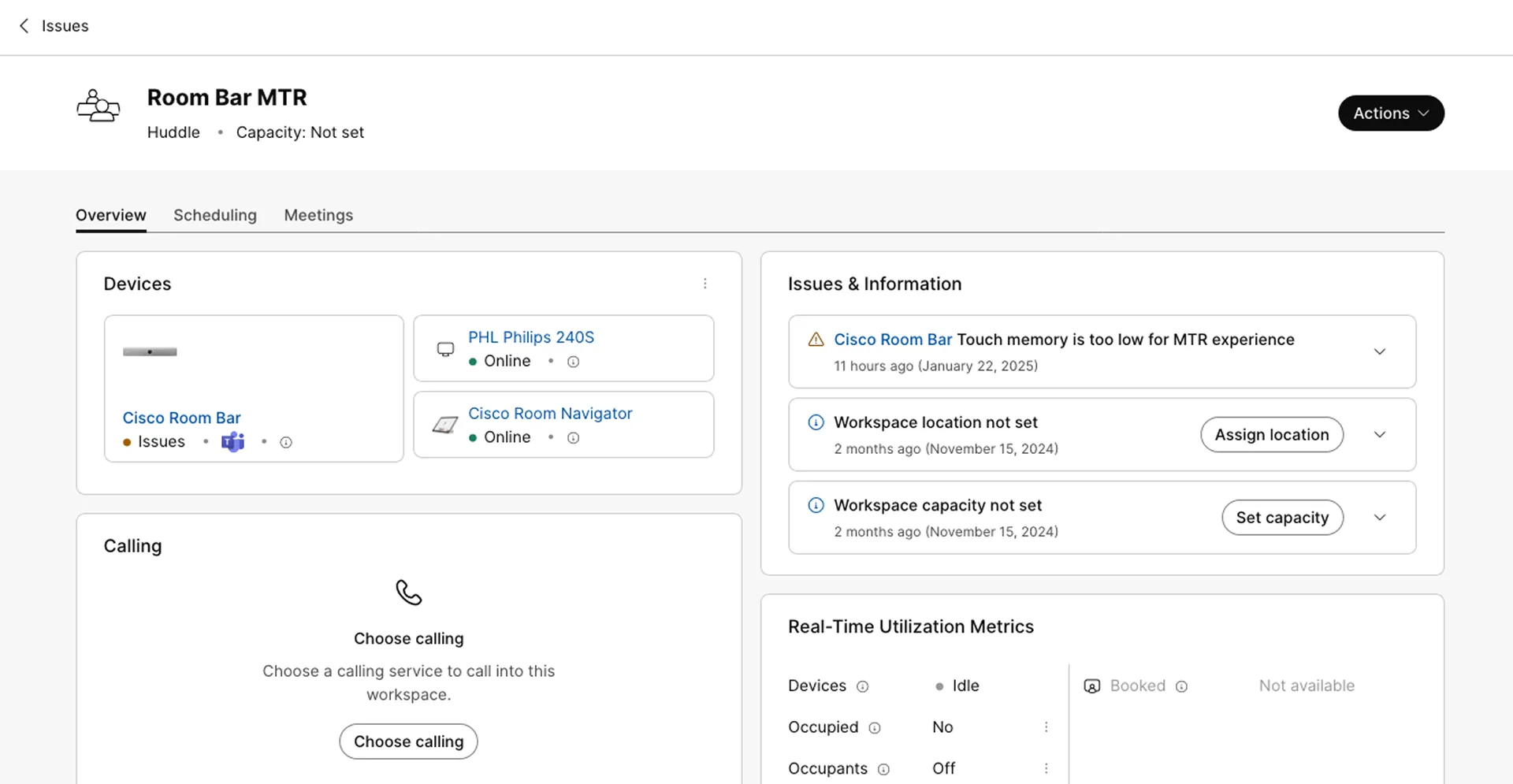
When a meeting room had a gap in camera, mic or display coverage, nobody could see it from Control Hub. Someone found it on a site visit, or after a meeting went wrong and a complaint came in. That could take days, sometimes months.
How might we show admins why a room isn't working, without a site visit?
One problem, two ways in
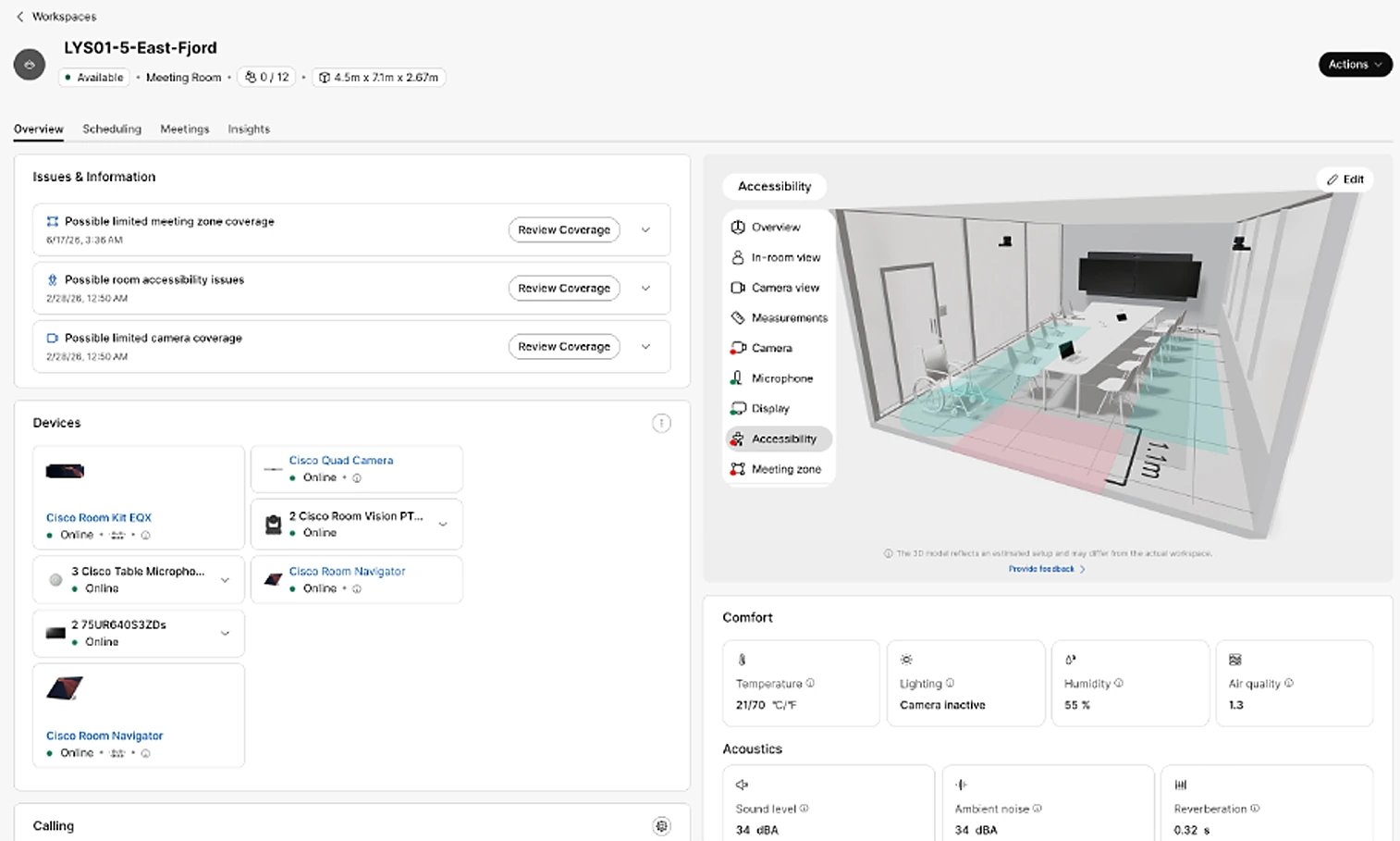
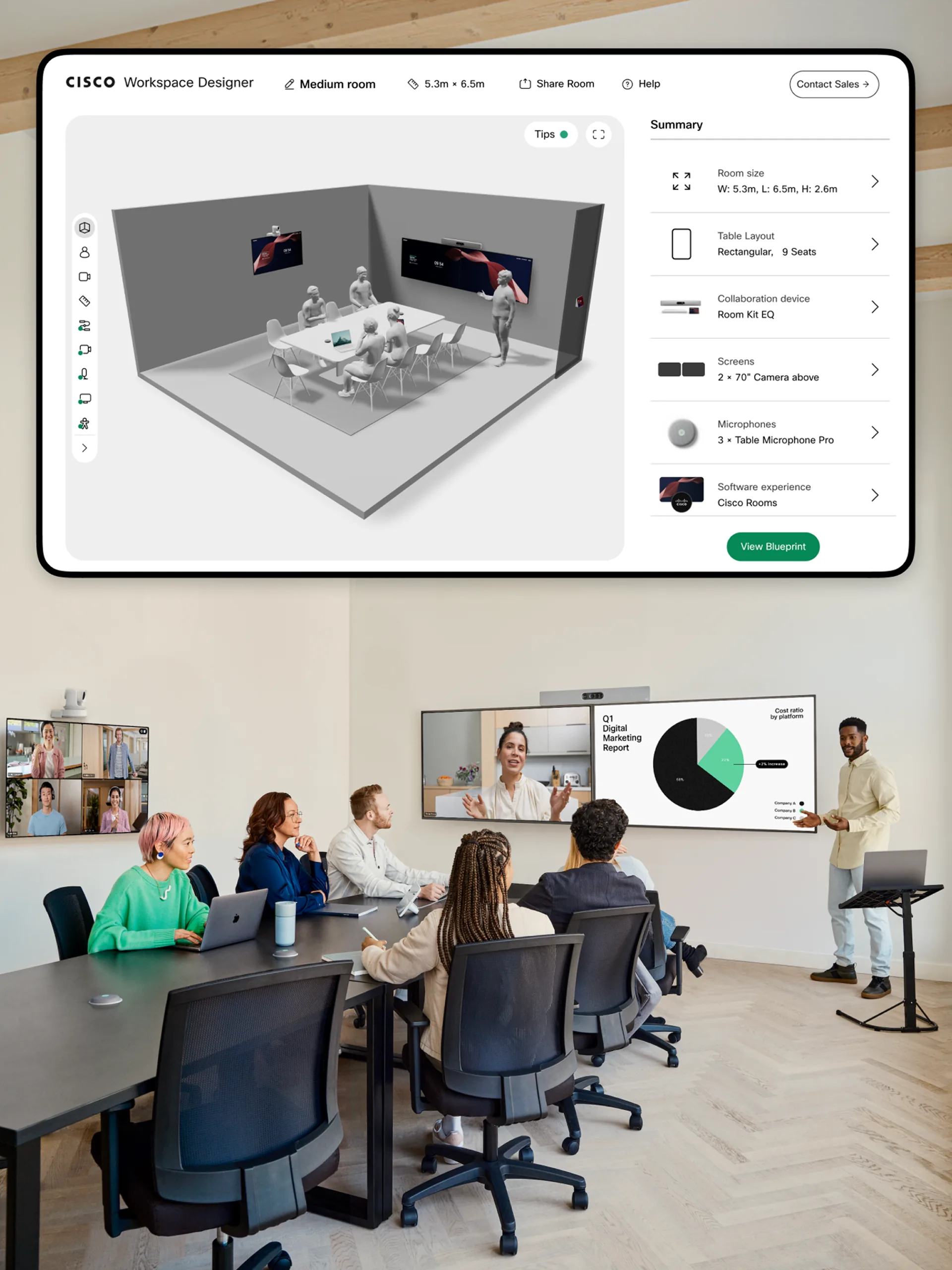
Not every customer can use AI, so there are two ways to get a room into 3D. With an AI scan, the room's own devices scan the space, and the admin approves the fix and shares it. Without AI, admins place the walls and materials on the 3D model themselves.
Either way, the fix fits that specific room.
From feature to framework
Having the room in 3D changed how we could show other checks too. A reverberation test used to return a number and an icon. Now admins see what a change will do to the room before they make it.
Impact
Coverage gaps found within 24 hours, not after a complaint.
This works for every room in Control Hub, not just the ones someone visits. Admins get an alert, with fixes made for that room's layout and materials, so they can act right away.
Learnings
People trust what they can see
A number gets questioned. A visible before and after gets acted on.
Recognition builds trust
Admins act on a twin that looks like their room, and scanning builds it with no manual setup.
Scanning needs care
If scanning with room cameras feels invasive, admins won't trust it or turn it on.